


KWS-AC301 Digital Voltmeter 50-300V 100A Power Meter | Shakespear
- Free worldwide shipping
 Get it between -
KWS-AC301 Digital Voltmeter
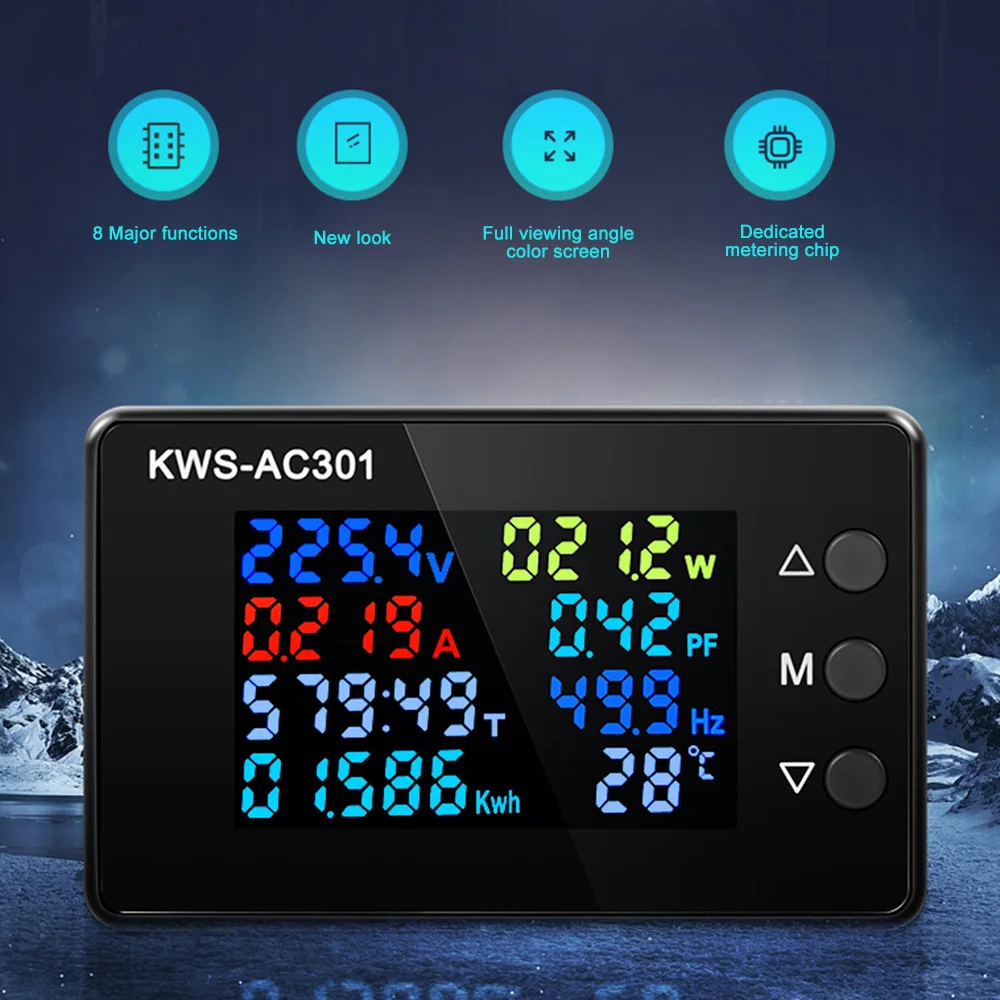
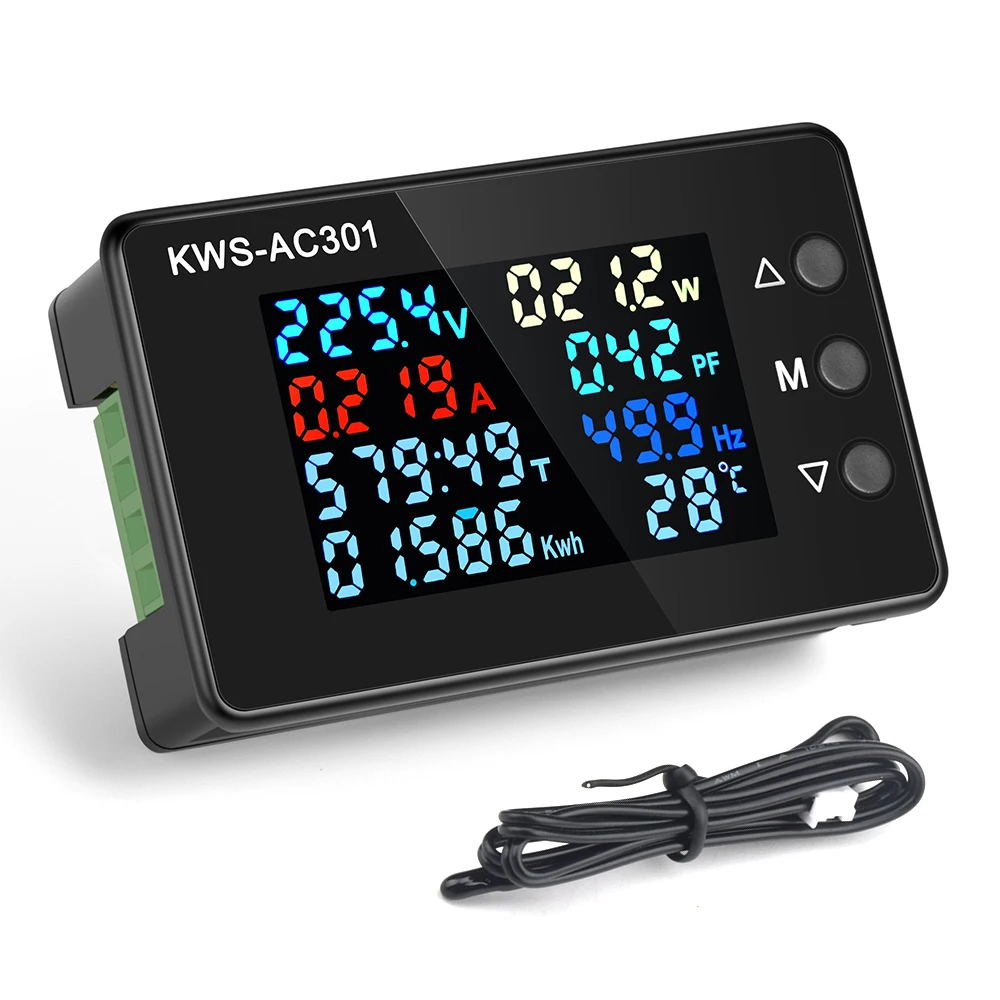
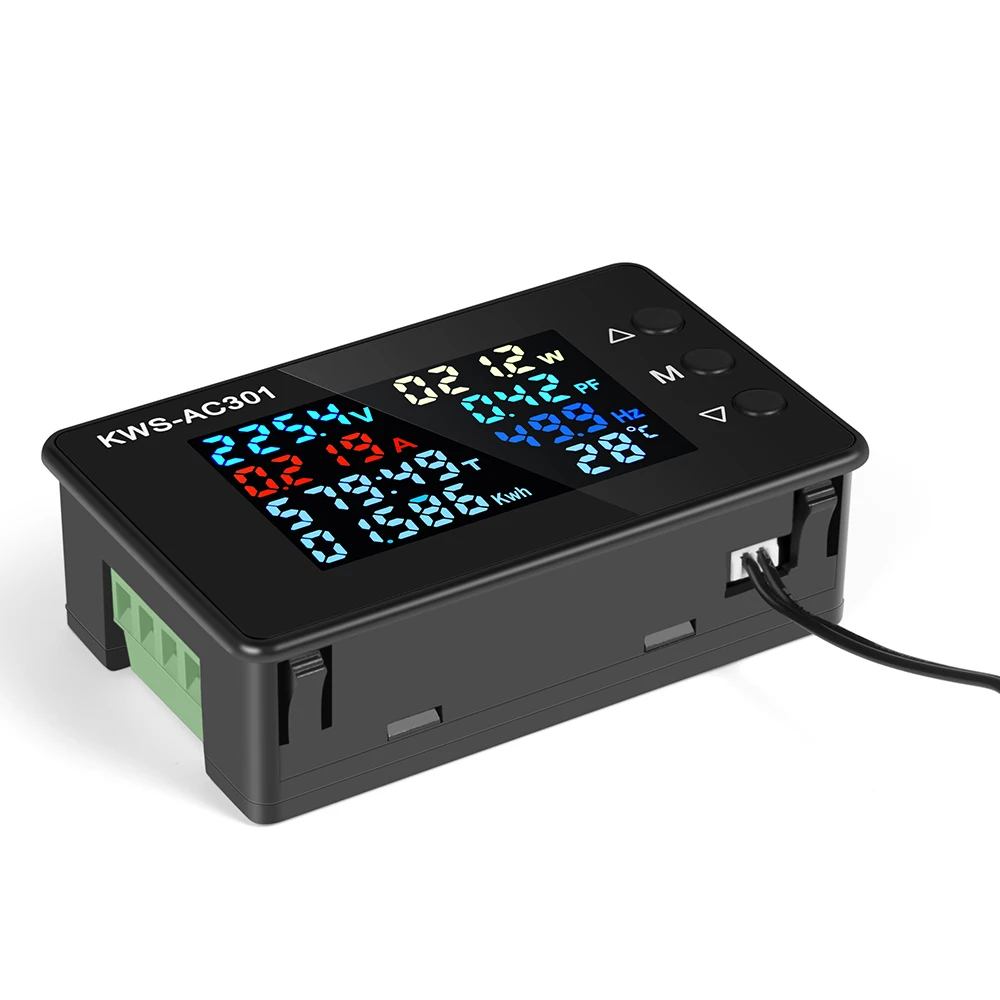
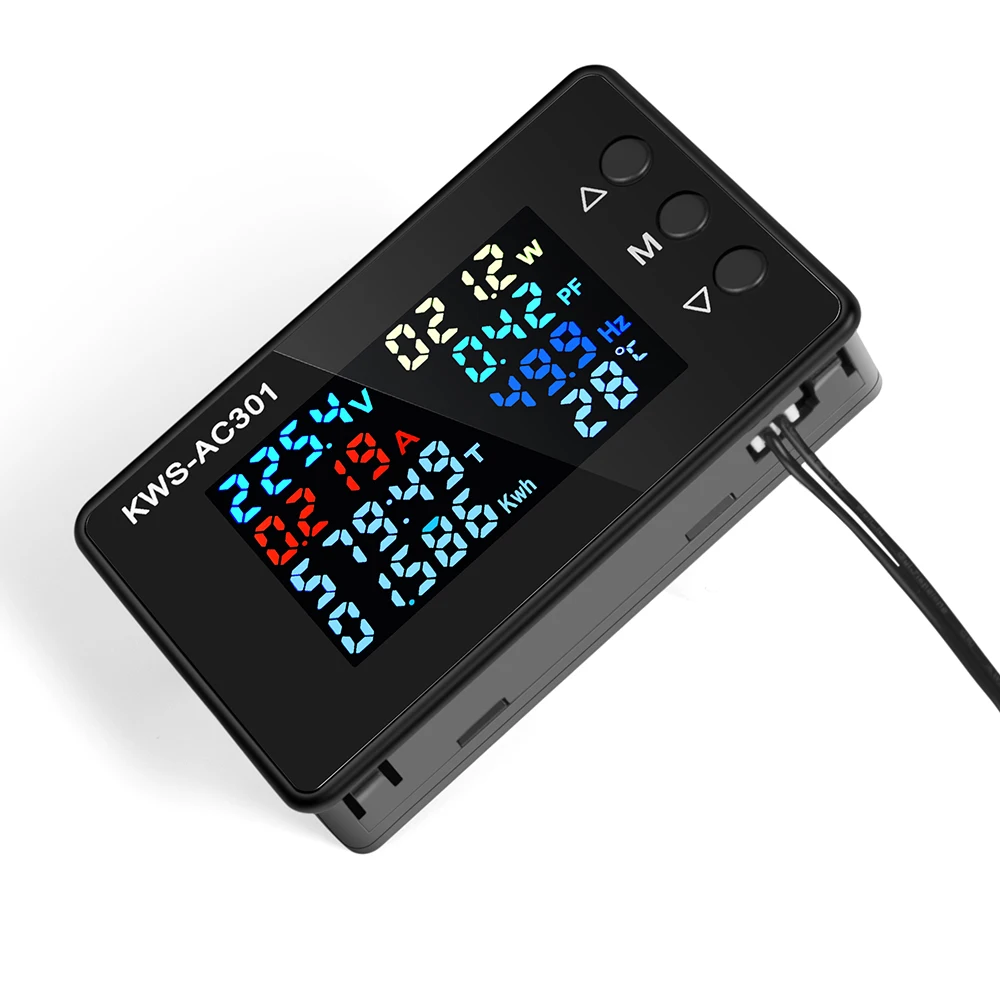
Color Screen Voltage Tester is a multifunction electricity meter designed for accurate monitoring of voltage, current, power, energy consumption and temperature. Supporting AC 50-300V voltage and up to 100A current, this advanced panel meter features a bright color display for clear real-time readings. Ideal for home electrical systems, DIY electronics, solar setups and industrial power monitoring.
SPECIFICATIONS
Accuracy Class: ±1%
Battery Included: No
Brand Name: Gaqqee
Certification: CE
Choice: yes
DIY Supplies: Electrical
Data Record: Yes
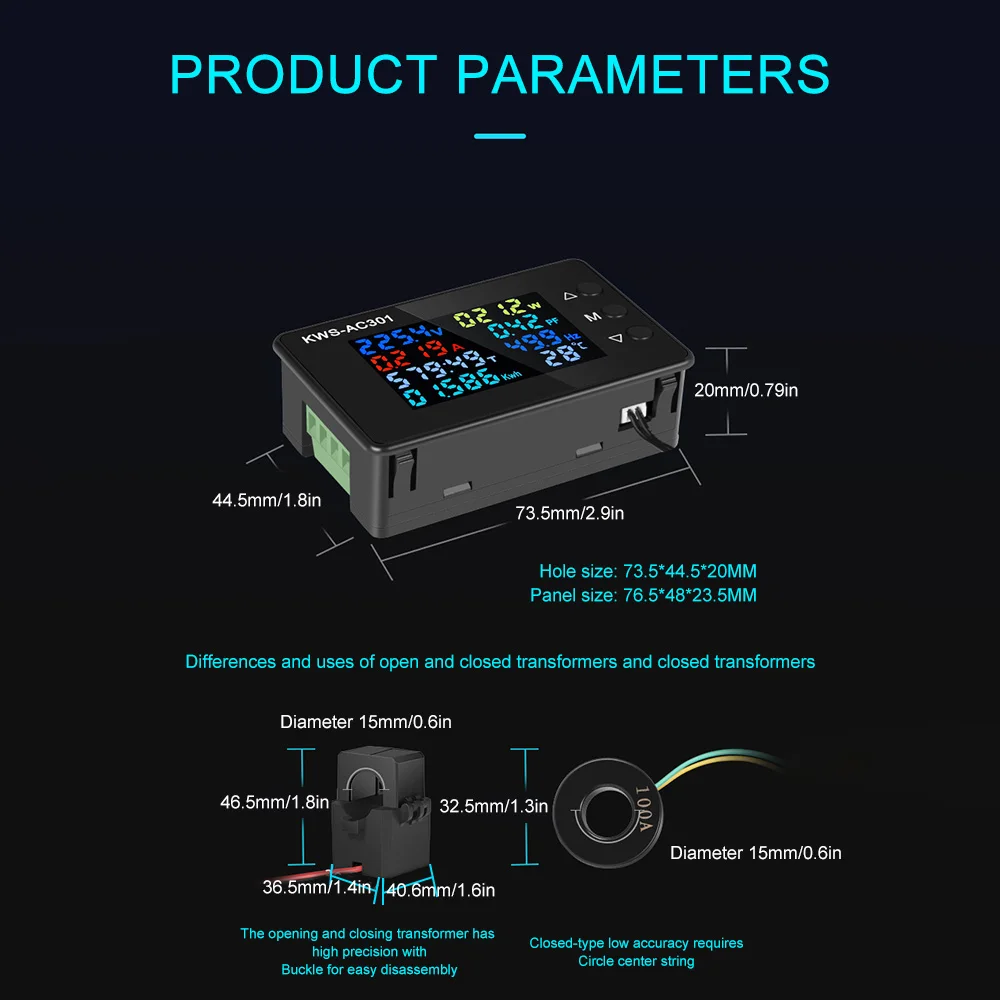
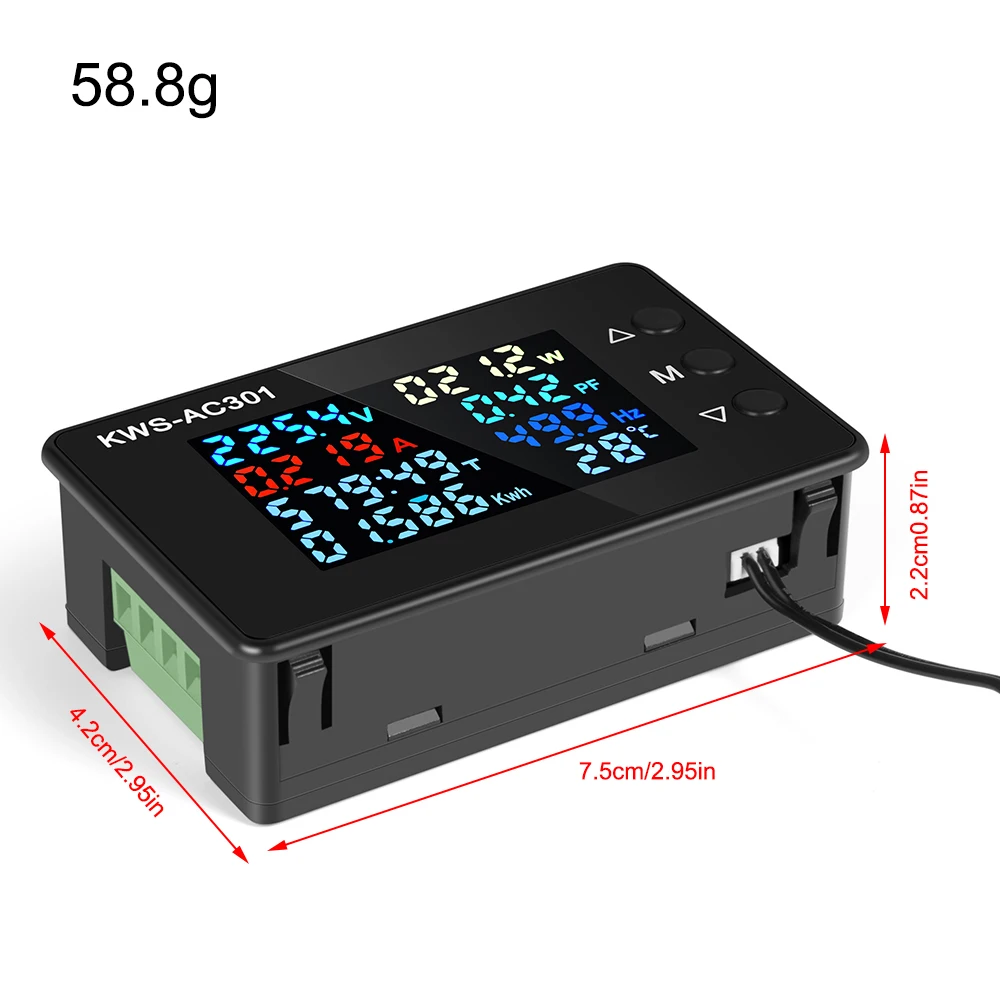
Dimensions: 73.5*44.5*20mm
Display Type: Digital Only
Feature: Color screen display
High-concerned chemical: None
Mode: KWS-AC301
Model Number: KWS-AC301
Operating Temperature: -10-45°C
Origin: United Kingdom
Power Source: AC
Power Supply: AC
Product Name: LCD Digital Voltmeter
Voltage: AC50-300V
Voltage range: Other
semi_Choice: yes

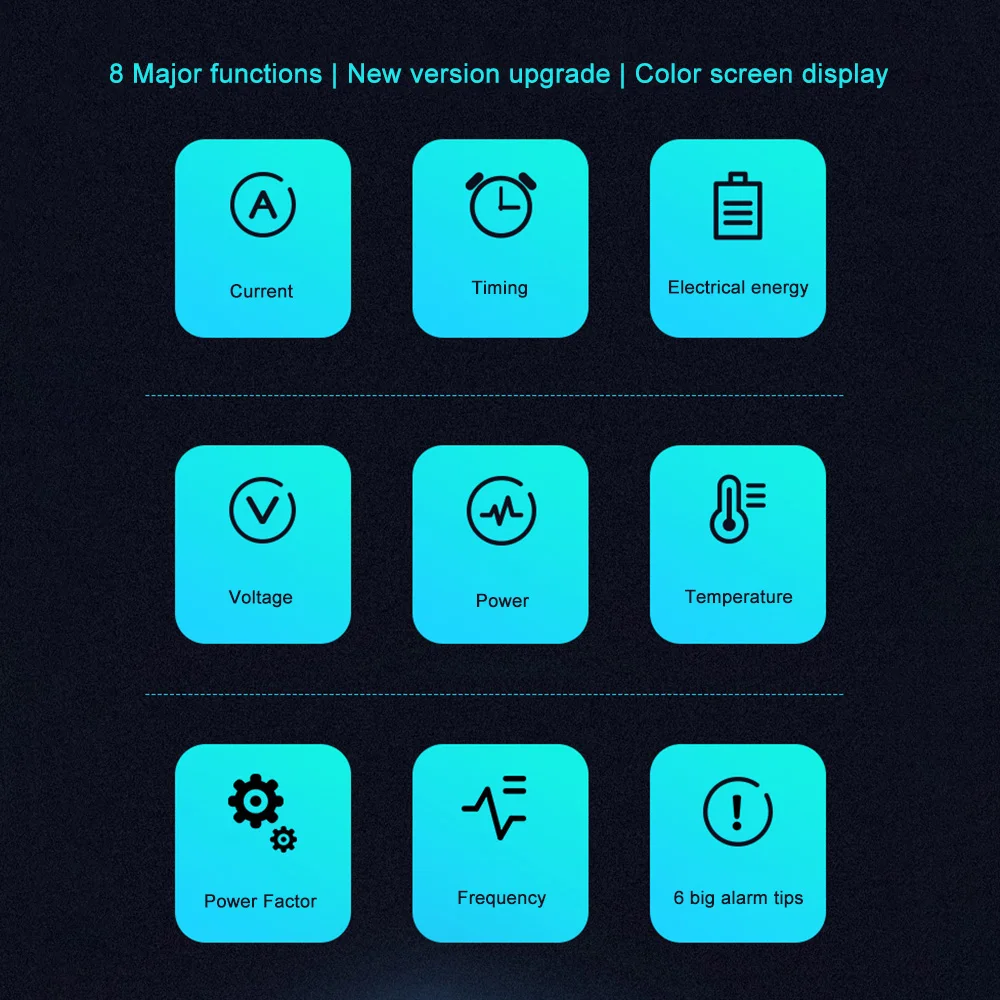
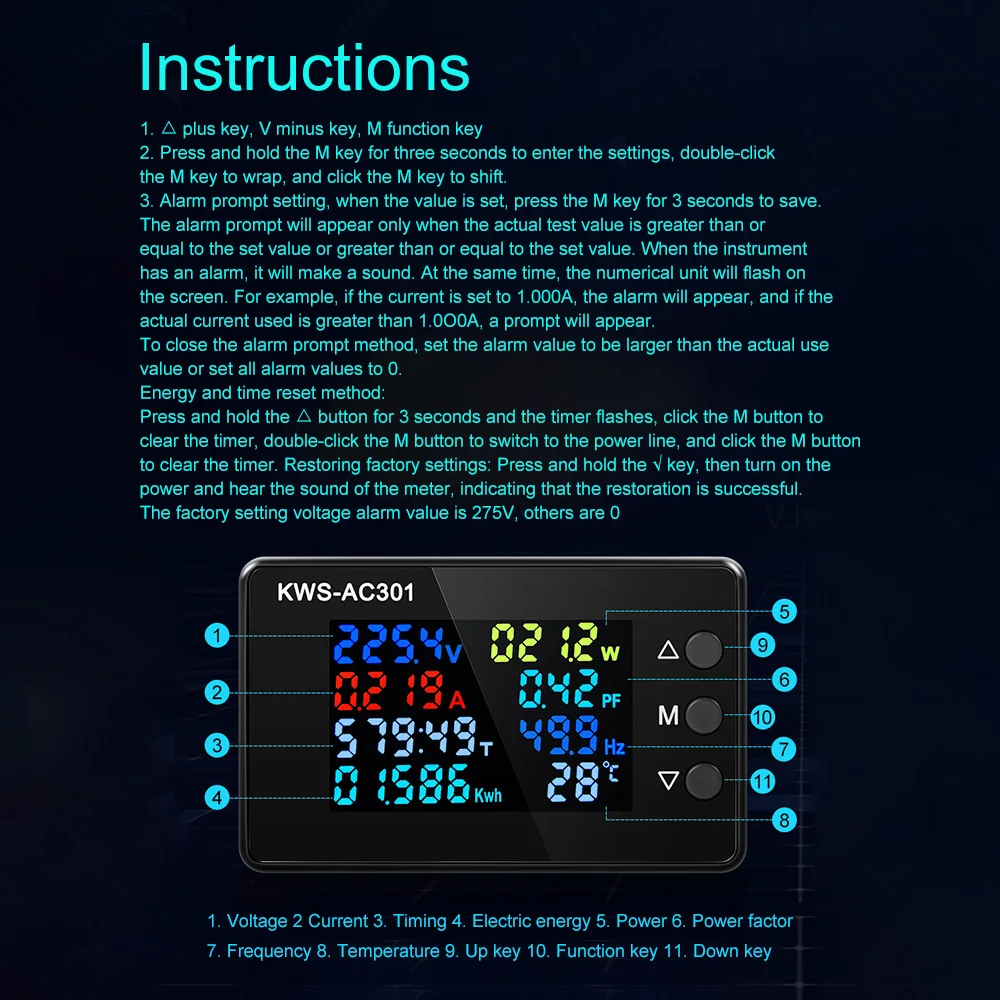
1.8 major functions: current, timing, electrical energy, voltage, power, temperature, power factor, frequency
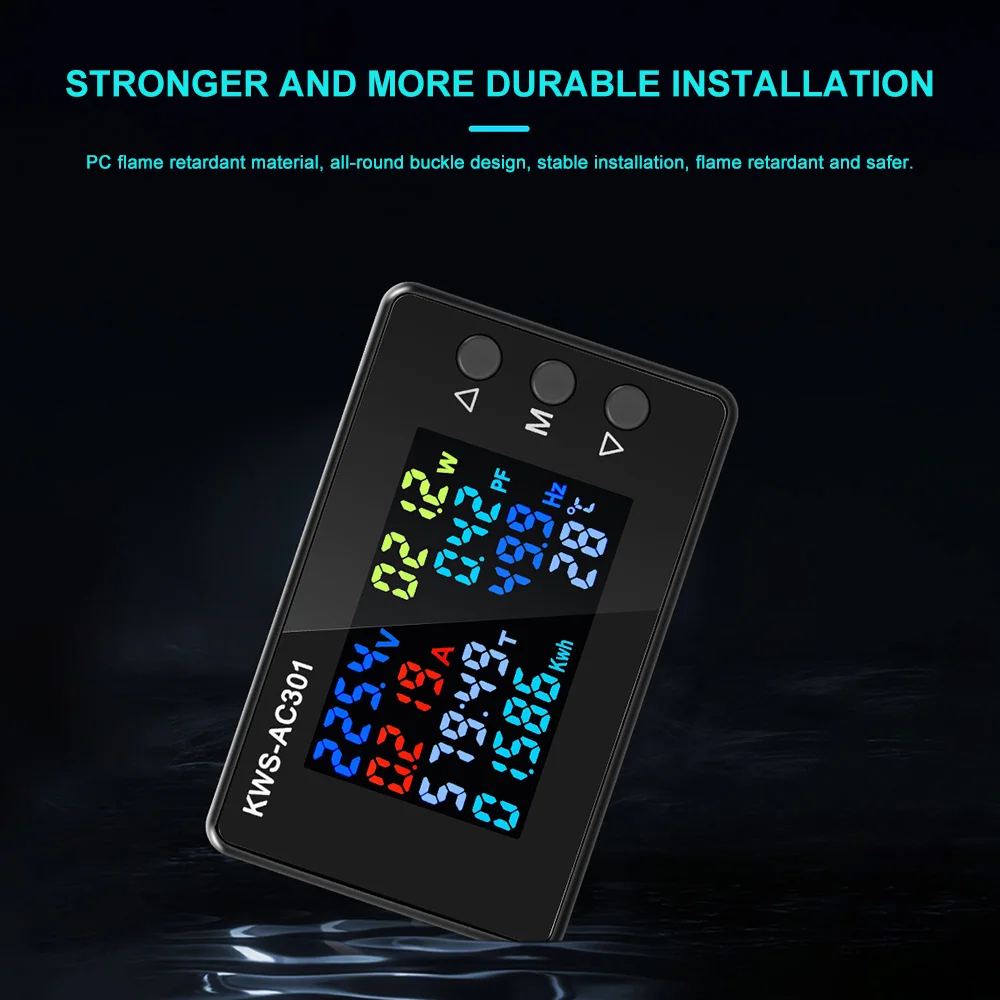
2.PVC flame retardant material, all-round buckle design, stable installation, flame retardant and safer
3.Full-view color screen for clearer observation
4.Dedicated metering chip The calculation data is simple, convenient and fast
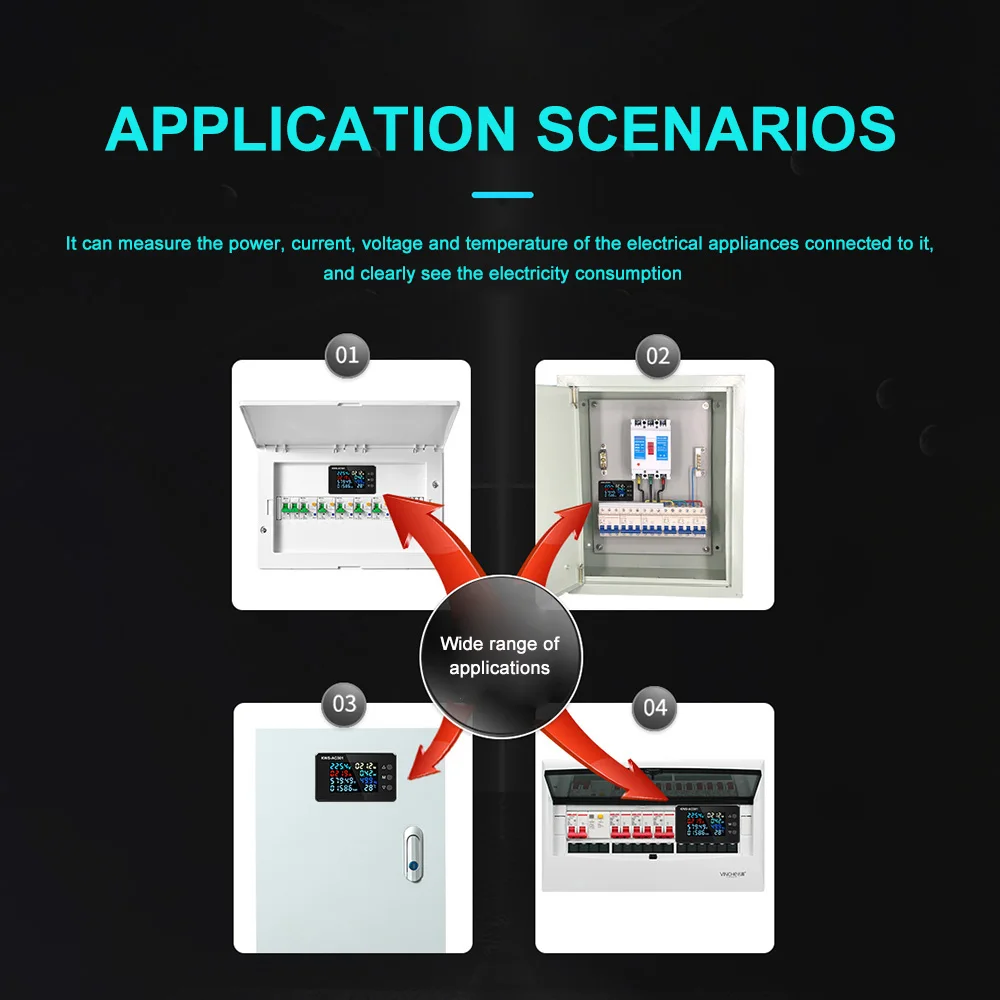
5.Wide range of applications Power saving and worry-free rational use of electricity
Instructions:
1. Press and hold the M key for three seconds to enter the settings, double-click the M key to wrap, and click the M key to shift.
2. Alarm prompt setting, when the value is set, press the M key for 3 seconds to save.
The alarm prompt will appear only when the actual test value is greater than or equal to the set value or greater than or equal to the set value. When the instrument has an alarm, it will make a sound. At the same time, the numerical unit will flash on the screen. For example, if the current is set to 1.000A, an alarm will appear, and a prompt will appear when the actual current used is greater than 1.000A.
Turn off the alarm prompt method: set the alarm value larger than the actual value or set all alarm values to 0.
Electric energy and timing reset method: press the up button for 3 seconds and the timing flashes, click the M button to clear the timing, double-click the M button to wrap to the electric energy, and click the M button to clear.
Restoring factory settings: Press and hold the down key, and then turn on the power and hear the sound of the meter, indicating that the restoration is successful.
The factory default voltage alarm value is 275V, others are 0
Package Include:
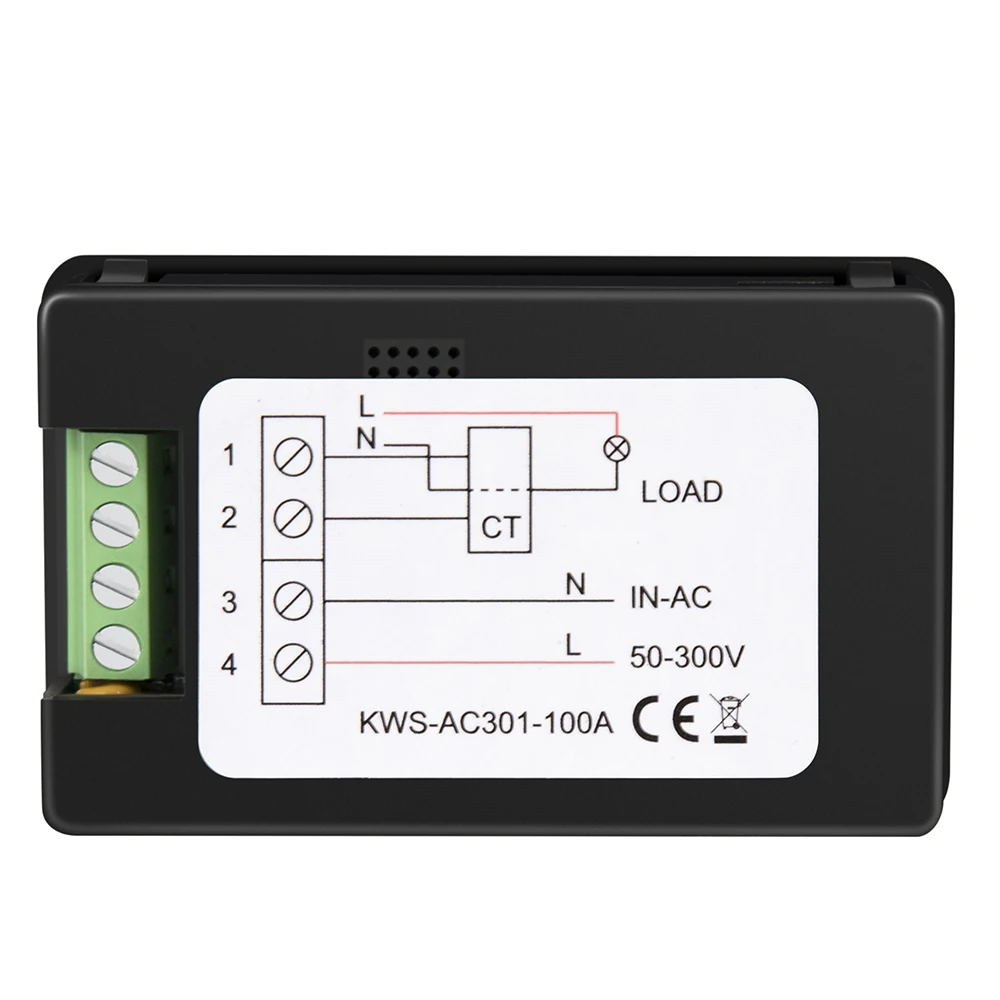
Meter X1
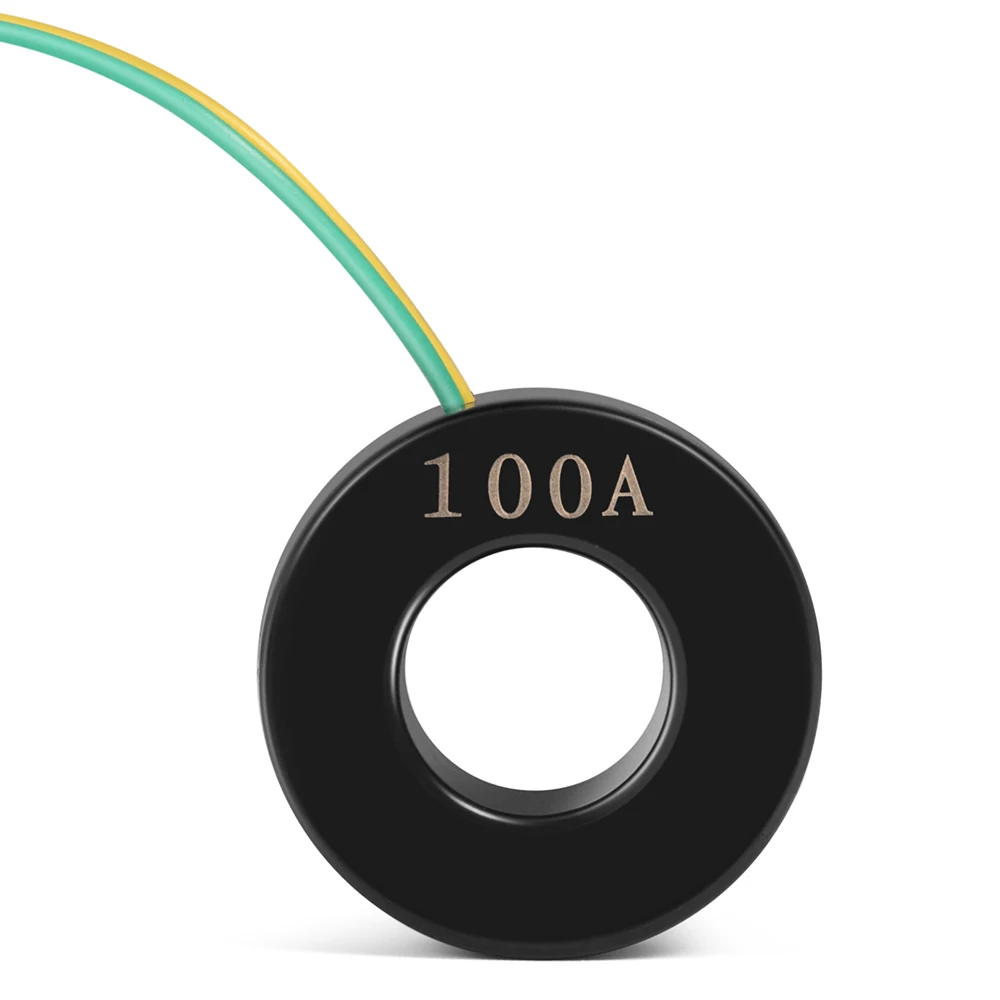
Transformer X1 (20A does not include transformer, the transformer is built in the instrument)
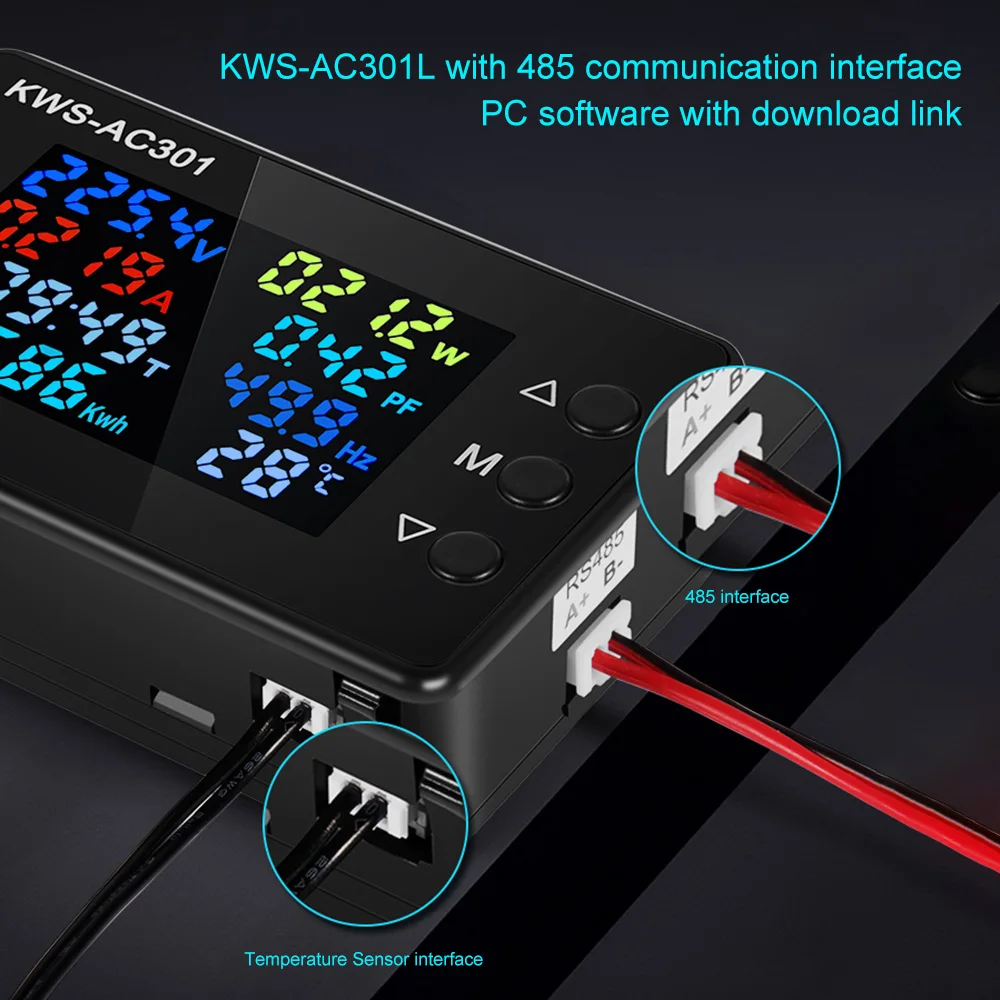
Temperature sensing line X1


Use collapsible tabs for more detailed information that will help customers make a purchasing decision.
Ex: Shipping and return policies, size guides, and other common questions.