


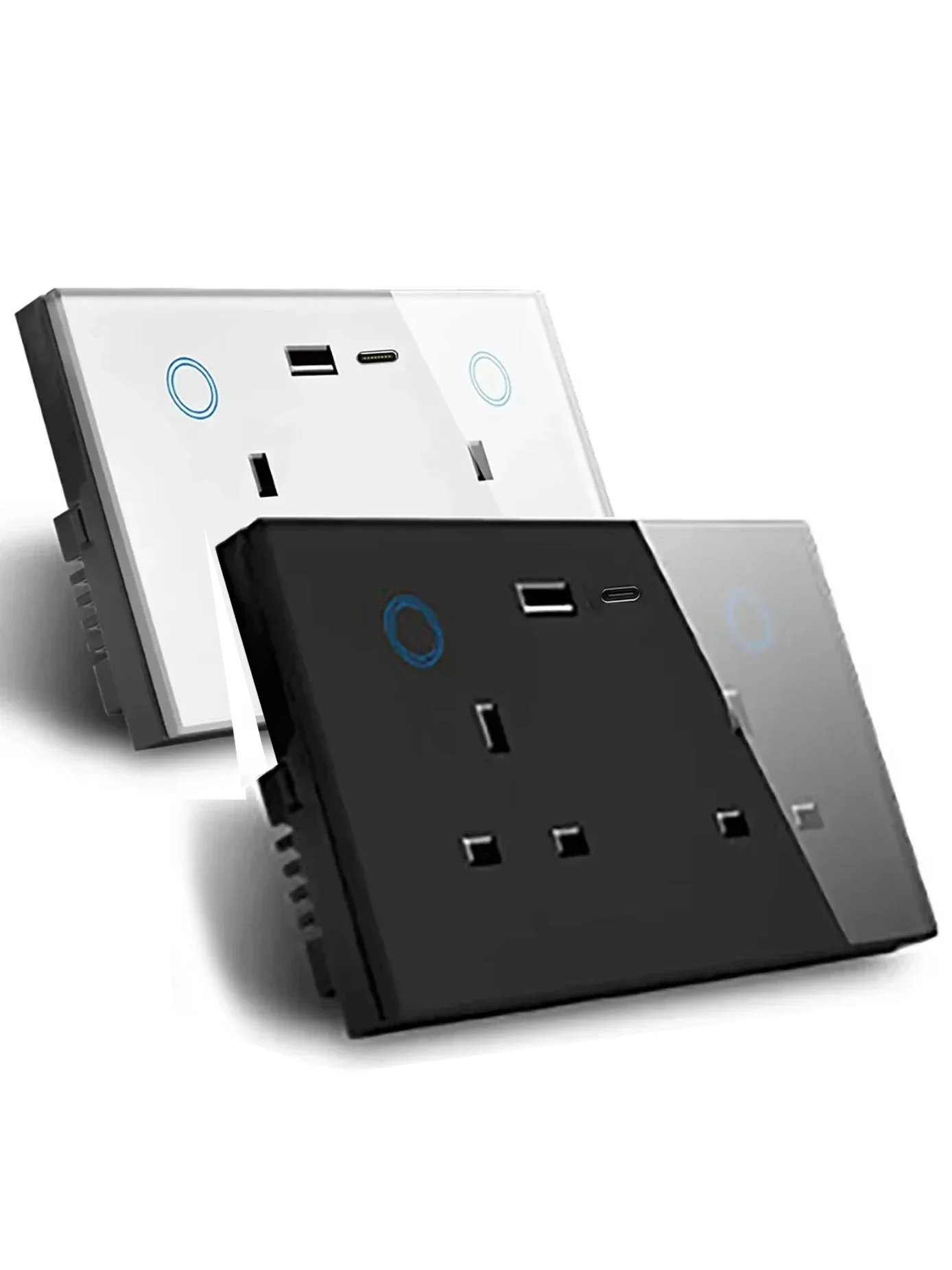
Smart Touch Socket – Works with Alexa & Google
- Free worldwide shipping
- In stock, ready to ship
 Get it between -
SPECIFICATIONS
Application: Residential / General-Purpose
Backlight/Indication: Yes
Brand Name: Melery
Certification: CE,FCC,RoHS
EU LVD Voltage: High voltage: Above 50Vac or 75Vdc
Extension Cable Length: None
Features: Automatically Power On and Off,Remote Control,With USB Ports,WireLess
Grounding: Standard Grounding
High-concerned chemical: None
Installation Type: Wall Embedded
Is Smart Device: Yes
Material: Glass
Model Number: WWS013-Zigbee
Number of slots: 2
Origin: United Kingdom
Protection class: IP 21
Rated Current: 13A
Shape: Rectangular
Socket Type: Socket 220V
Standard: UK WIFI WALL SOCKETS
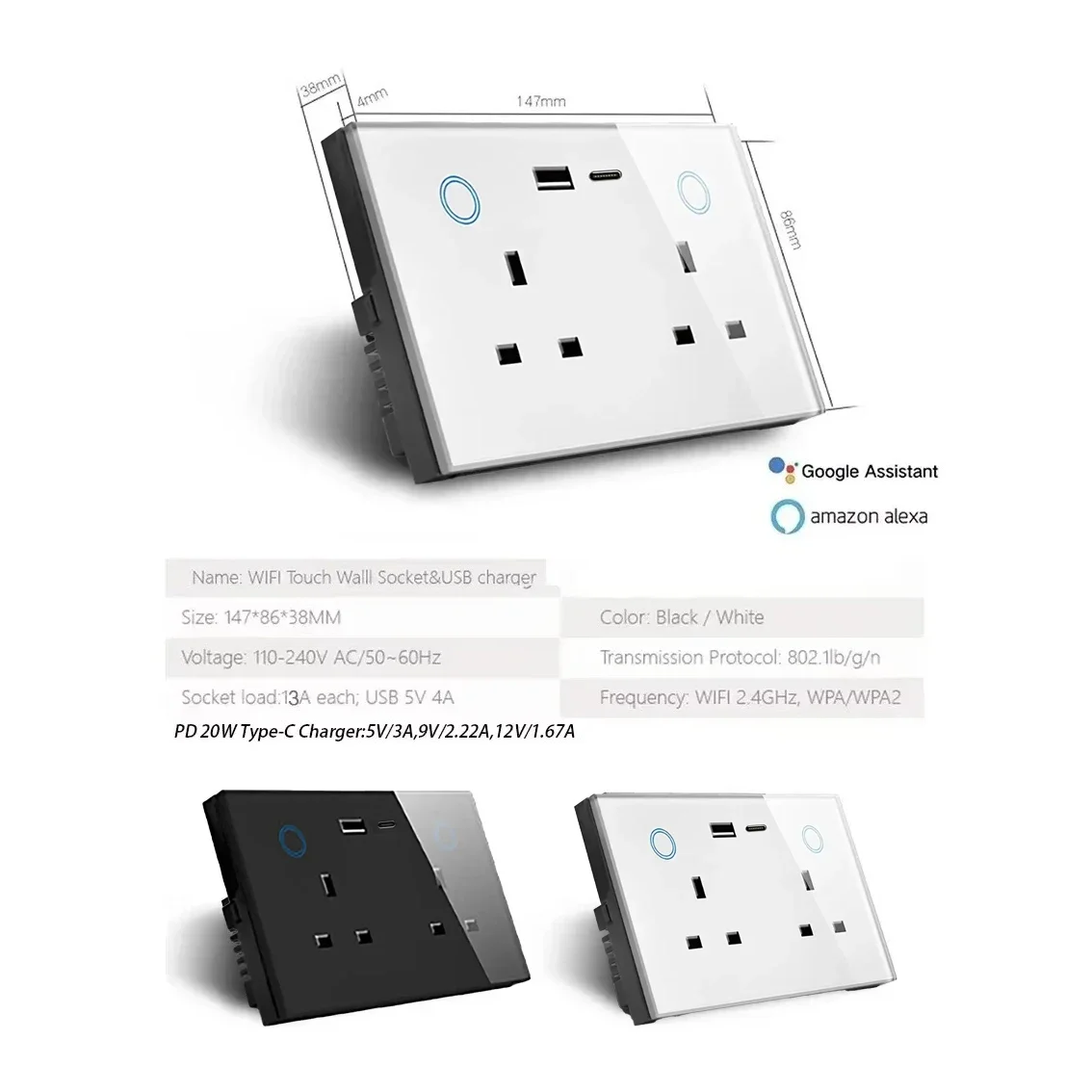
Smart Zigbee Wall Socket with USB Socket Type C Fast Charger Touch Switch Outlet Plug Works with Amazon Alexa Echo, Google Assistant, Zigbee Hub Required, Have Signal Repeater Function zigbee hub required
|
Color |
White |
|
Size |
(L) 147*(W)86*(H)38mm |
|
Weight |
191g |
|
Material |
PC |
|
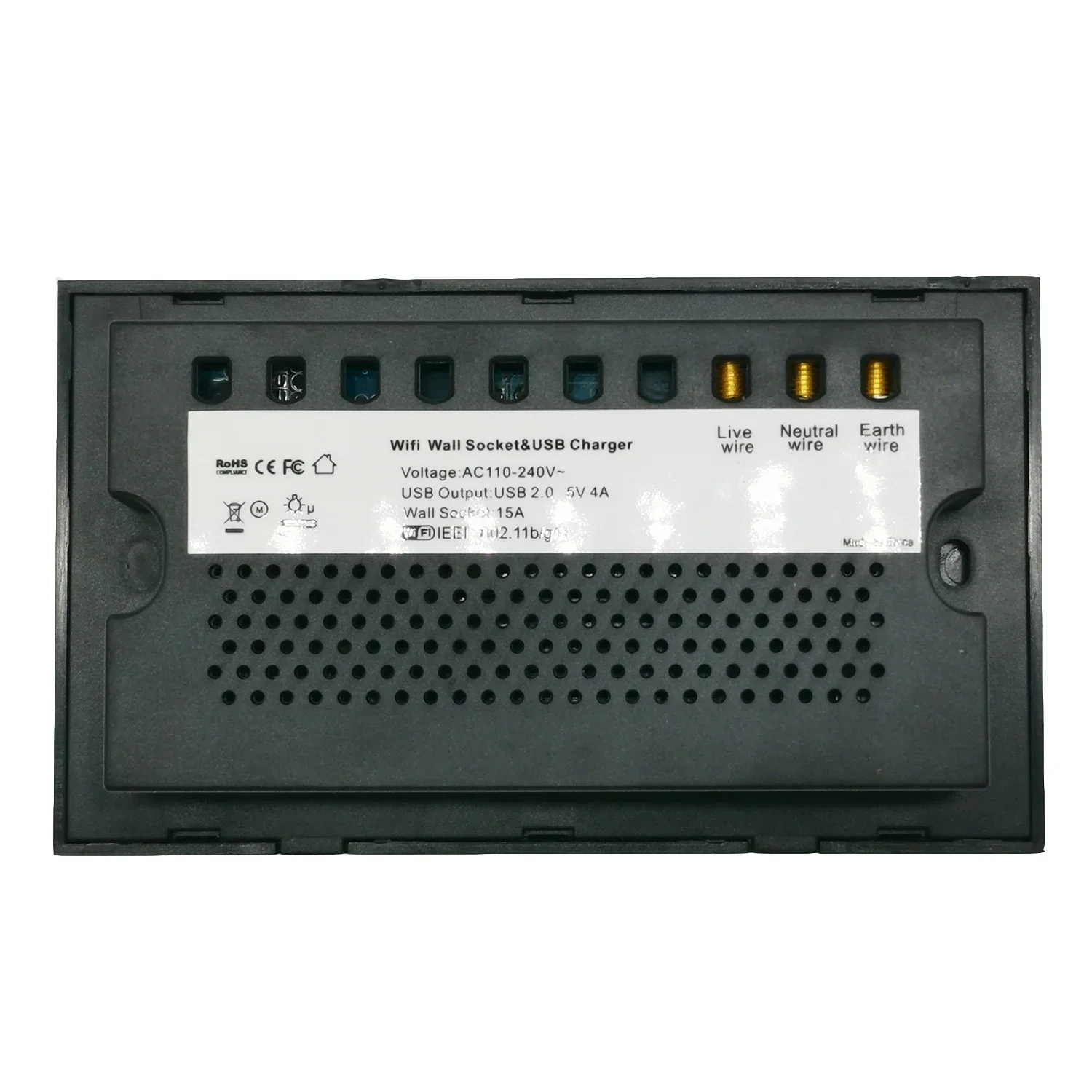
Voltage range |
90-250V AC |
|
Max current Current of USB Port |
|
|
Wireless frequency |
2.412~2.484GHz |
|
Wireless IEEE standards |
IEEE802.11b/g/n |
|
Security type |
WEP61/WEP/128/TKIP/CCMP(AES) |
|
Security mechanism |
WEP/WPA-PSK/WPA2-PSK |
|
Wireless consuming |
<=0.3W |
|
Working condition |
Temp: -30~60 degree |
I. Steps to Pair Tuya Zigbee Smart Plug via Gateway
Preparation
Enter Pairing Mode
Add Device in the App
II. Connect to Alexa (Amazon Alexa)
Prerequisites
Link Accounts
Discover Devices
III. Connect to Google Home
Prerequisites
Link Accounts
Sync Devices
Notes
Feature:
Support WiFi network.
SmartLife App, Support Amazon Alexa and Google home.
Support Smart configure net technology, easy to access settings.
Support status tracking, home appliances status timely feedback to your device.
Support Max 150 WiFi smart devices from one smart phone.
Easy installation, easy handling and can be activated immediately and stably.
FCC,CE, ROHS, RED approval.
Wi-Fi wall socket connects to the Internet through WiFi network and controls the power of
home appliances, smart phone or other device can control the socket and track the status
of wall socket at any place where network is available, one device can support more than
one WiFi wall socket controller.
WiFi wall socket using Smart Link net technology you can
Easily access settings, besides, it has timing function you can DIY for your favorite and
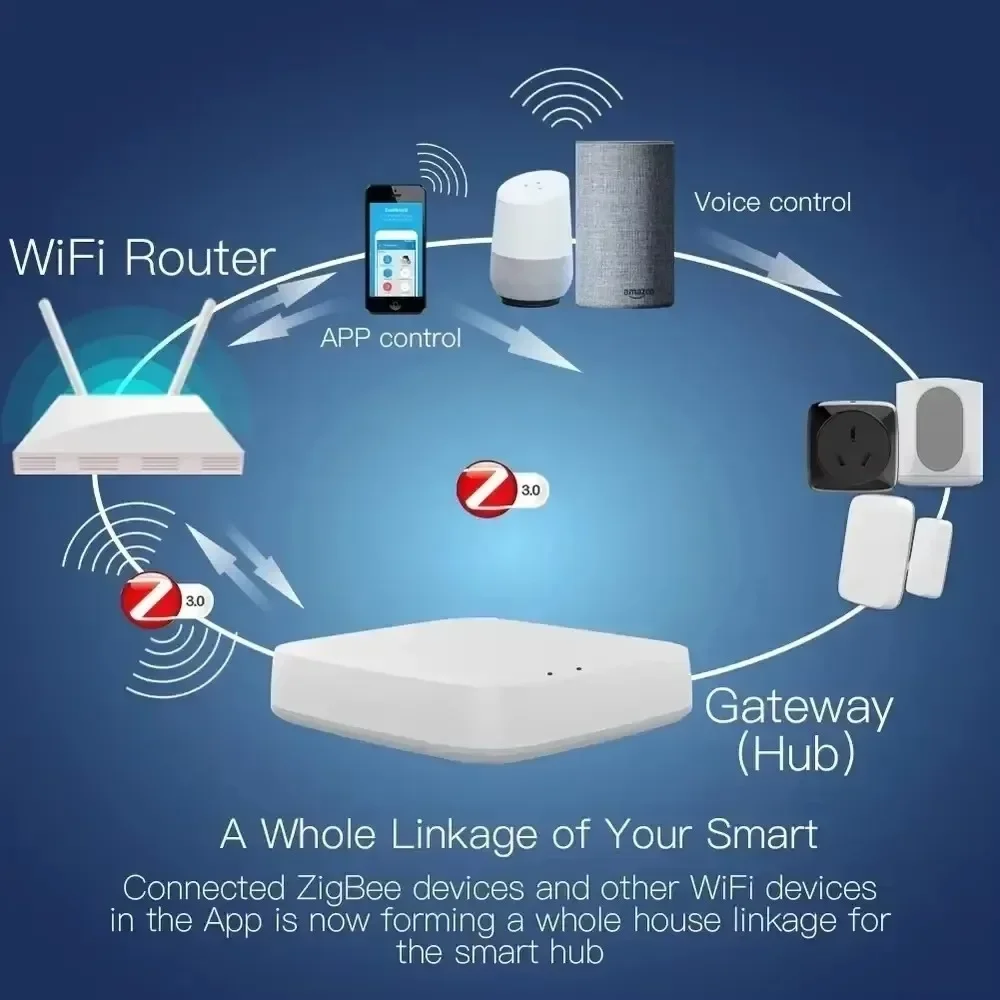
Zigbee Hub Required.
It need host hub /Gateway matched wifi , then can pair with gateway/Hub, connect into the internet .
COMPATIBLE TO MOST HOME APPLIANCES
This SMART WiFi Plug Socket can automate any home device (available with BS plug) and support a maximum of up to 2900 W which covers most home devices like lamps, fans, audio systems, coffee makers, kettles, chargers, portable heater, etc.
CONTROL RIGHT FROM YOUR MOBILE
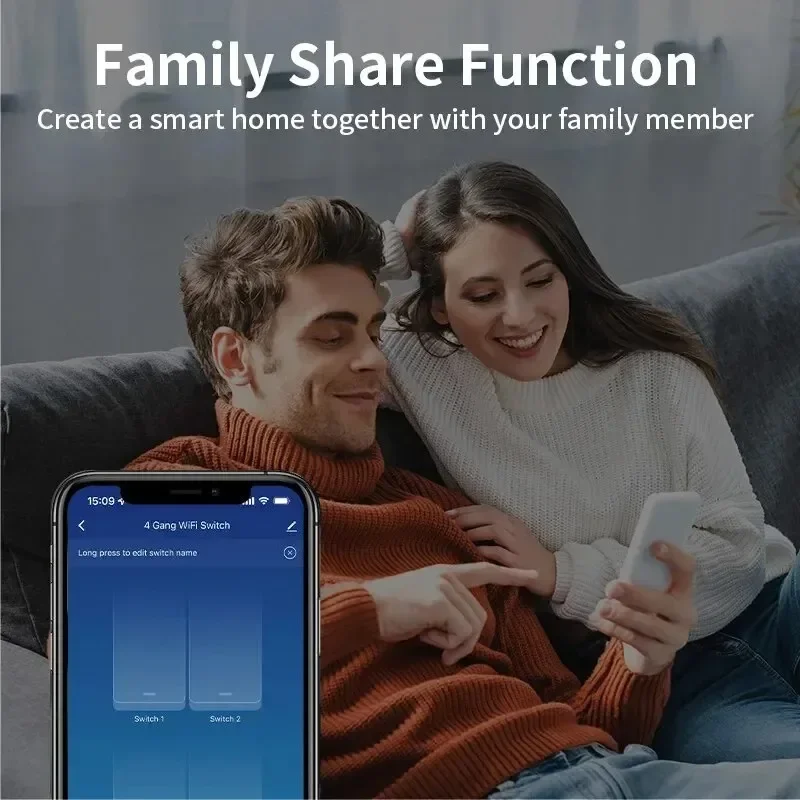
Scan the QR code or download the "TUYA" app available on the App Store (iOS) and Play Store (Android) and download. Monitor all your plugged devices and have real-time control right from your mobile.
SCHEDULE ANY DEVICE AND SAVE ENERGY
No need to worry about plugged devices when you're at work or on vacation. Set your device lamp, air conditioning system, heater, humidifier, and more to automatically switch on or off based on specific times you set through the app. Also, save on power consumption.
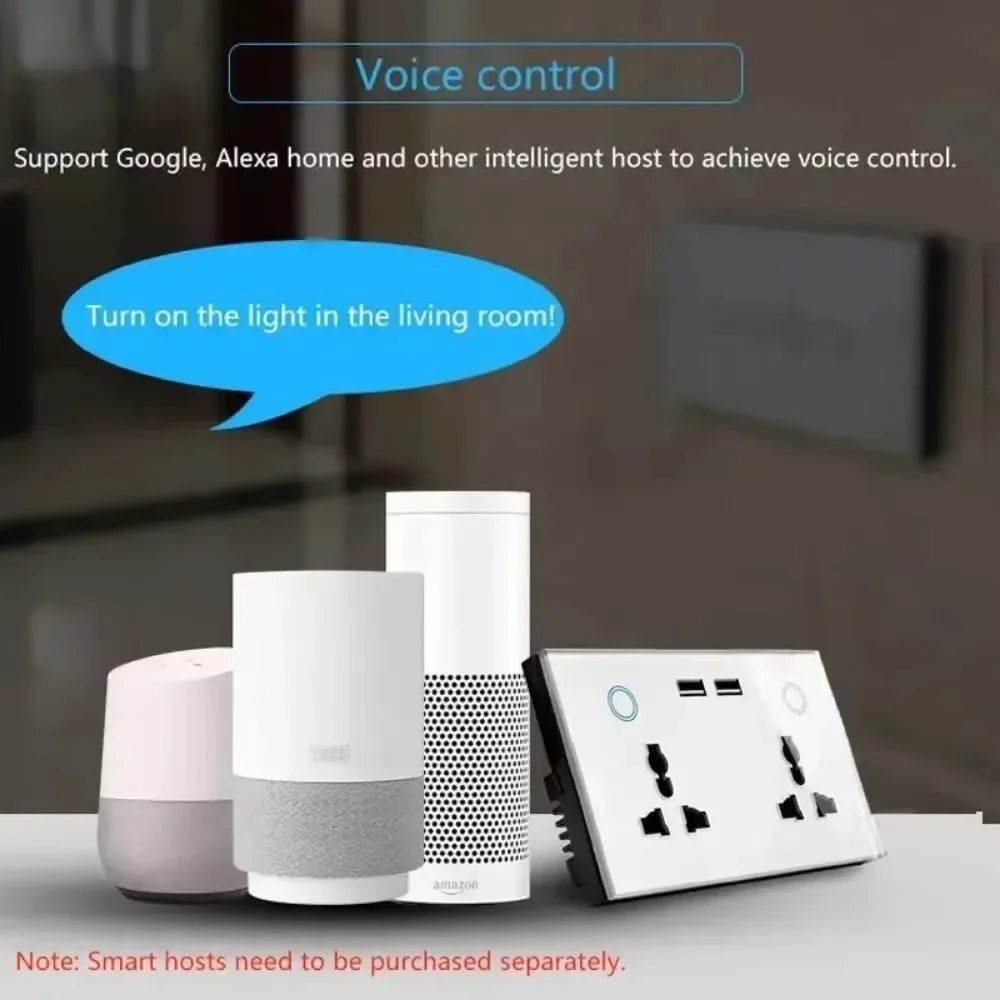
WORKS WITH AMAZON ALEXA & GOOGLE HOME
The new SMART WiFi Plug is perfectly compatible with Amazon Alexa (Echo and Echo Dot) and Google Home/Assistant. Assign a name to each Smart Plug and activate any device chargers, coffee maker, lamp, oven, ac system, etc. via voice commands.
SMART COMPATIBILITY
The new SMART Wall Socket is perfectly compatible with Amazon Alexa (Echo and Echo Dot) and Google Home/Assistant, and Nest. Assign a name to the smart socket and activate any device coffee maker, lamp, ac, oven etc. via voice commands.
CONTROL YOUR APPLIANCES RIGHT FROM YOUR PHONE
Scan the QR code or download the app available on the App Store (iOS) and Play Store (Android) and download. Monitor all your plugged devices and have real-time control right from your mobile.
PERSONALISED SCHEDULE
set your device or appliance lamp, air conditioning system, heater, humidifier, and more to automatically switch on or off based on specific time you set. No need to worry about leaving your appliances on before you leave your house!
ENERGY SAVING FUNCTION
has a power saving function so the device can be set to only be switched on when in use and no electricity would be wasted.
DEVICE COMPATIBILITY
This SMART WiFi Plug Socket can automate any home device and support a maximum of up to 2200 W which covers most home devices like fans, audio systems, coffee makers, kettles, chargers, portable heater, etc. to conveniently convert your home into a smart home.
WIFI WALL SOCKET
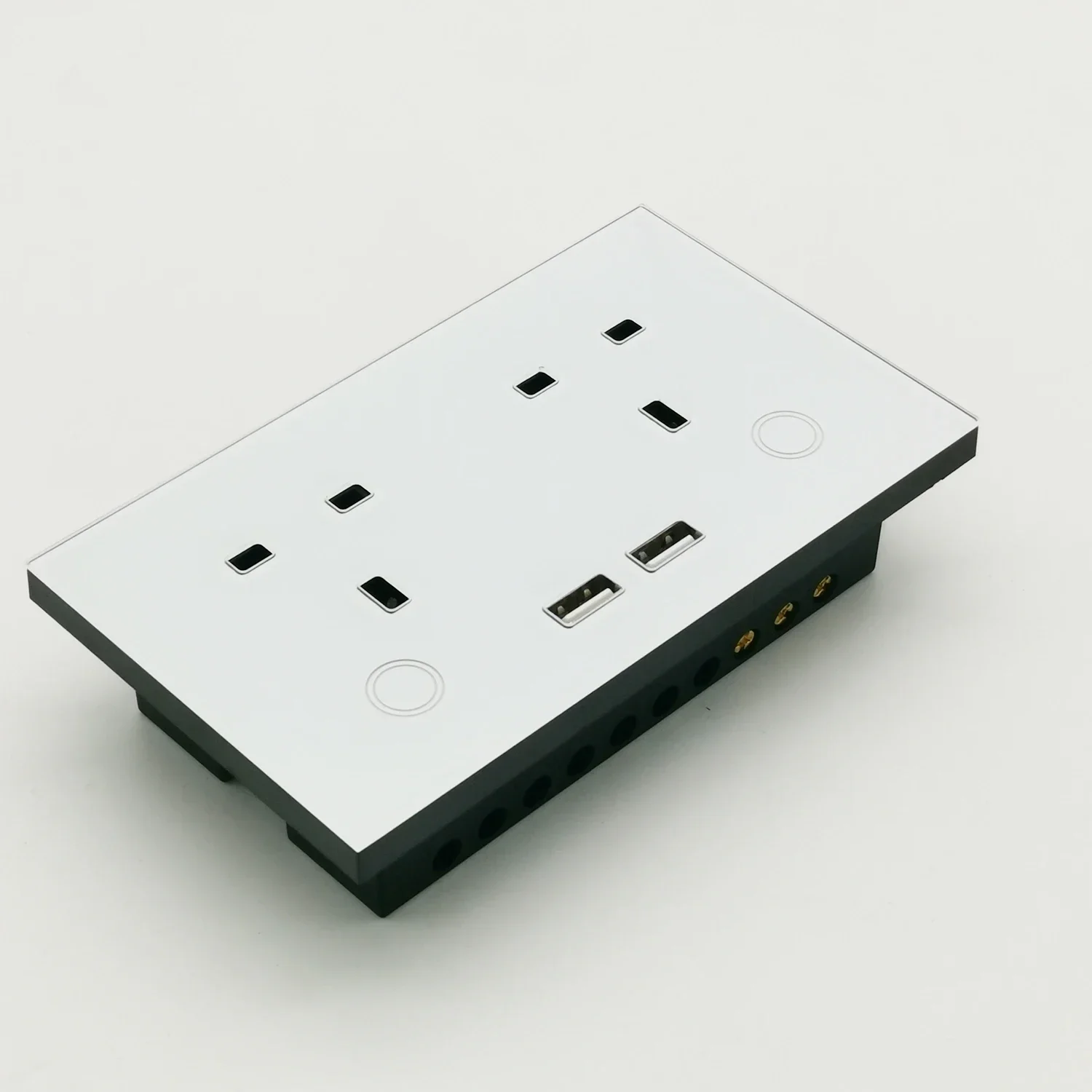
This innovative Twin Socket with USB Port can easily convert your appliance into a smart device, ultimately turning your home into a smart home in no time.
Simply plug any home appliance and control it right from your mobile phone. With USB ports, you can easily charge your mobile, tablet, or any USB-powered device with a standard cable.
Package:
1*Smart wifi wall socket
2* Screw
1* Manual


Use collapsible tabs for more detailed information that will help customers make a purchasing decision.
Ex: Shipping and return policies, size guides, and other common questions.